
1
Your photo
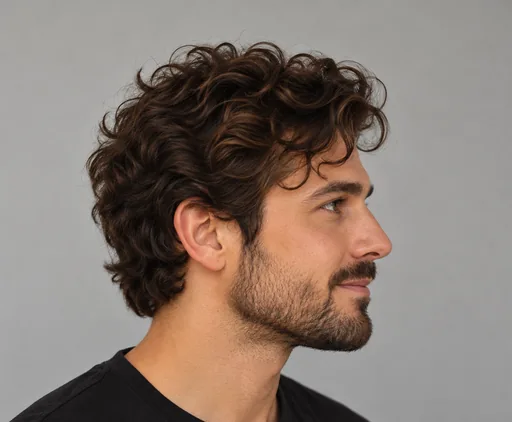
Choose a clear, well-lit photo of a person, cat or dog.

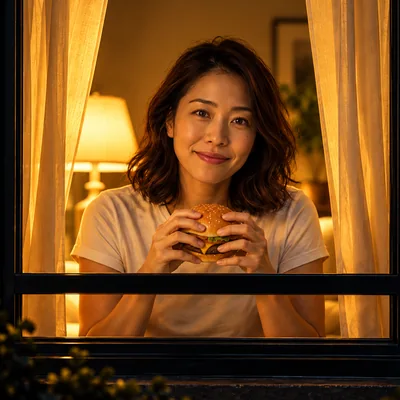
Window Peeper AI turns a photo you have permission to use into a fictional, non-sexual comedy video: a person or pet eats at a lit window, looks toward the camera, then closes the curtain.
Explore examples and pricing without signing in. Google sign-in is used only when you choose to create an account and purchase a video. Privacy Policy
Secure checkout with Stripe. If generation fails, you get a full refund. Videos are kept for 7 days.
You will sign in with Google before checkout. No password needed.

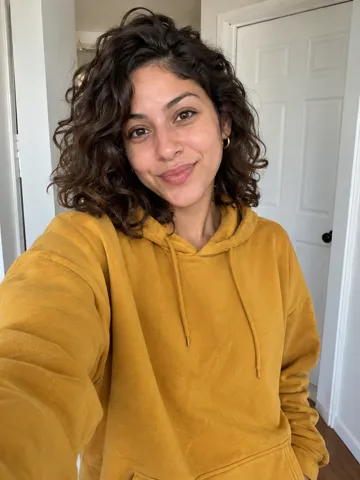
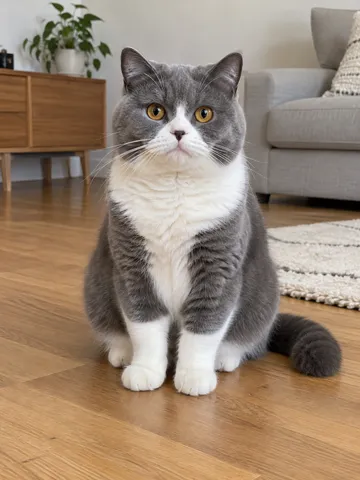
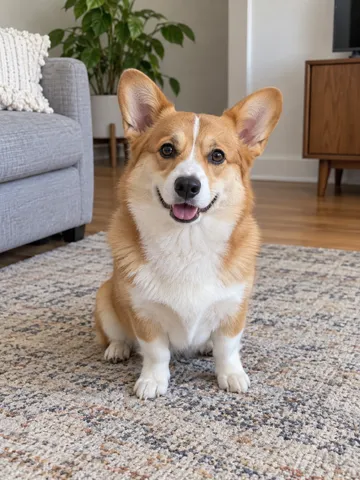
Example videos, each 6 seconds at 480p. Reference photos are fictional. Your result will depend on your photo.
Choose a clear, well-lit photo of a person, cat or dog.
Pick a window and a food prop. The scene prompt is built for you.
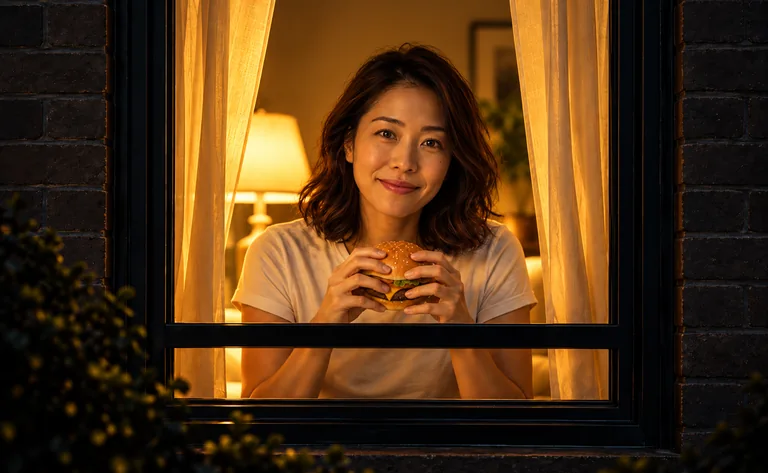
Review the cost, generate, and download your finished window moment.
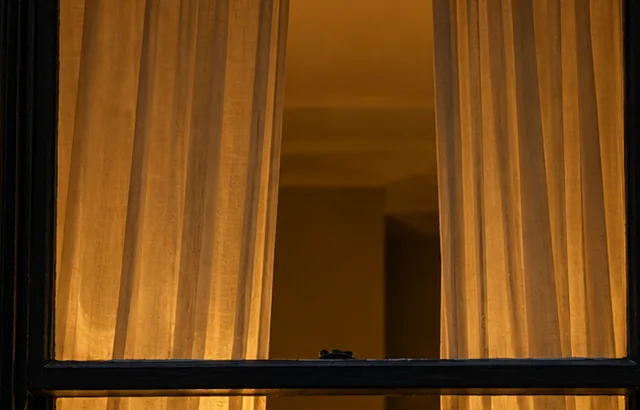
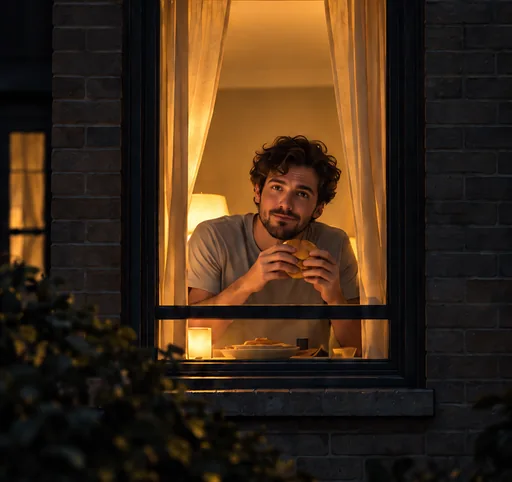
Window Peeper is a short AI-generated video format: a person or pet appears at a warmly lit window at night and looks directly toward the camera. A slow camera move, an everyday food prop and a curtain create the quietly awkward moment.
Read the full guideA clear, well-lit photo helps the model recognize your subject.

Pay once for each video. No subscription, no credits. Prices in USD include payment processing.
| Resolution | 6s | 7s | 8s | 9s | 10s |
|---|---|---|---|---|---|
| 480p | $1.35 | $1.52 | $1.68 | $1.85 | $2.02 |
| 720p | $2.48 | $2.84 | $3.19 | $3.55 | $3.91 |
| 1080p | $5.68 | $6.57 | $7.46 | $8.36 | $9.25 |
| 4k | $11.19 | $13.00 | $14.80 | $16.61 | $18.42 |
The price for your chosen length and resolution is on the button. You pay once in Stripe Checkout, then generation starts.
If a paid video fails, the full payment goes back to your card automatically. An interrupted status check does not start another job.
Use a clear, well-lit JPG, PNG or WebP under 10 MB. Each side must be 301–5,999 pixels. Face the camera, or show your pet’s face and markings. Avoid dark images, heavy blur and covered faces.
Yes. Select Cat or Dog under Who’s at the window. The photo is sent as an identity reference; pet anatomy, markings and the chosen scene are included in the prompt.
Choose Classic window, Rainy night or City apartment, and Burger, Pizza, Noodles or No food. These choices change the actual generation prompt. Cats and dogs are limited to the burger scene, with explicit paw movements and a closed-curtain ending.
You pay per video. The price for your chosen length and resolution is shown on the generate button, in the pricing table and in Stripe Checkout. There is no subscription and no credits.
The default request is 8 seconds at 480p in vertical 9:16. The specification row offers 6–10 seconds and supported resolutions. These are requested output settings; exact output can vary.
Your paid task is saved. Check its status rather than paying again. If generation fails, the full payment is refunded to your card; the page shows Refunded only after the refund is confirmed.
The model uses your photo as an identity reference, but resemblance, motion and scene details can vary. Example videos on this page are illustrative. No exact identity match or particular outcome is guaranteed.
Your task history is protected by your account, but anyone with a photo or video URL can access that media. Our storage has a 7-day lifecycle; browser drafts and provider-side copies are separate. Read the privacy policy before uploading, and do not upload sensitive images.
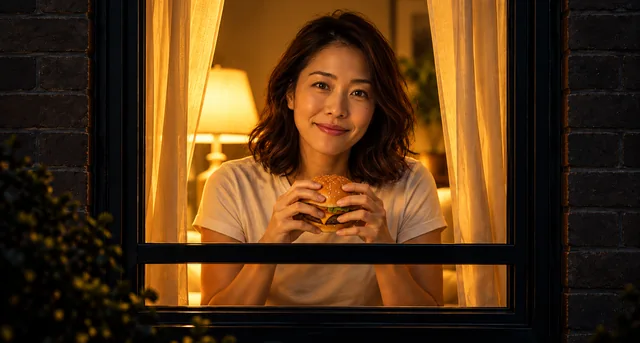
Photo requirements, scene choices, cost review and what to do when a task needs attention.
Read the guide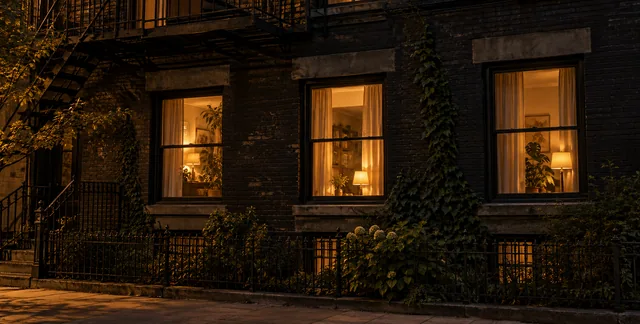
Learn the format, its visual cues and how subject, food and camera movement shape the scene.
Read the guide